Read This To Find Out How to Block Websites on Your Computer System
Step-by-Step Guide: How to Block Websites on Your Computer System
Hey folks, in this distraction-filled world of 2025, blocking websites can boost productivity, protect kids, or curb procrastination. Whether it's social media or sketchy sites, you can do it system-wide via the hosts file (cross-browser), browser extensions, or apps. I'll focus on the reliable hosts file method for Windows, macOS, and Linux—it's free and built-in. For browser-specific, check extensions like BlockSite. Let's get started!
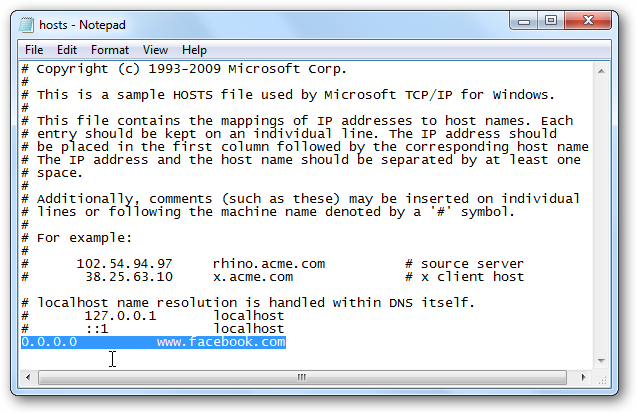
For Windows:
- Open Notepad as Administrator: Search for "Notepad" in the Start menu, right-click, and select "Run as administrator." This is crucial for editing system files.
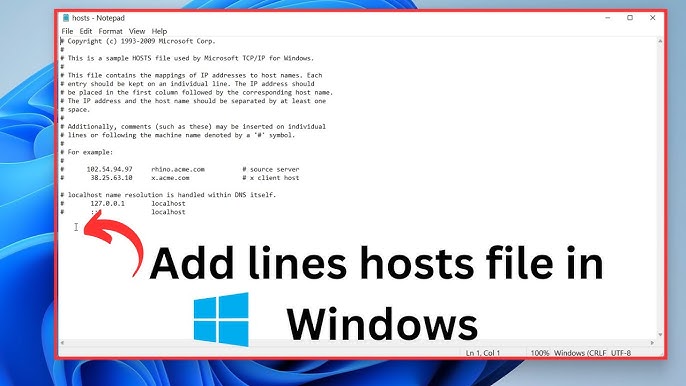
- Open the Hosts File: In Notepad, go to File > Open. Navigate to C:\Windows\System32\drivers\etc. Change "Text Documents (*.txt)" to "All Files," select "hosts," and open it.
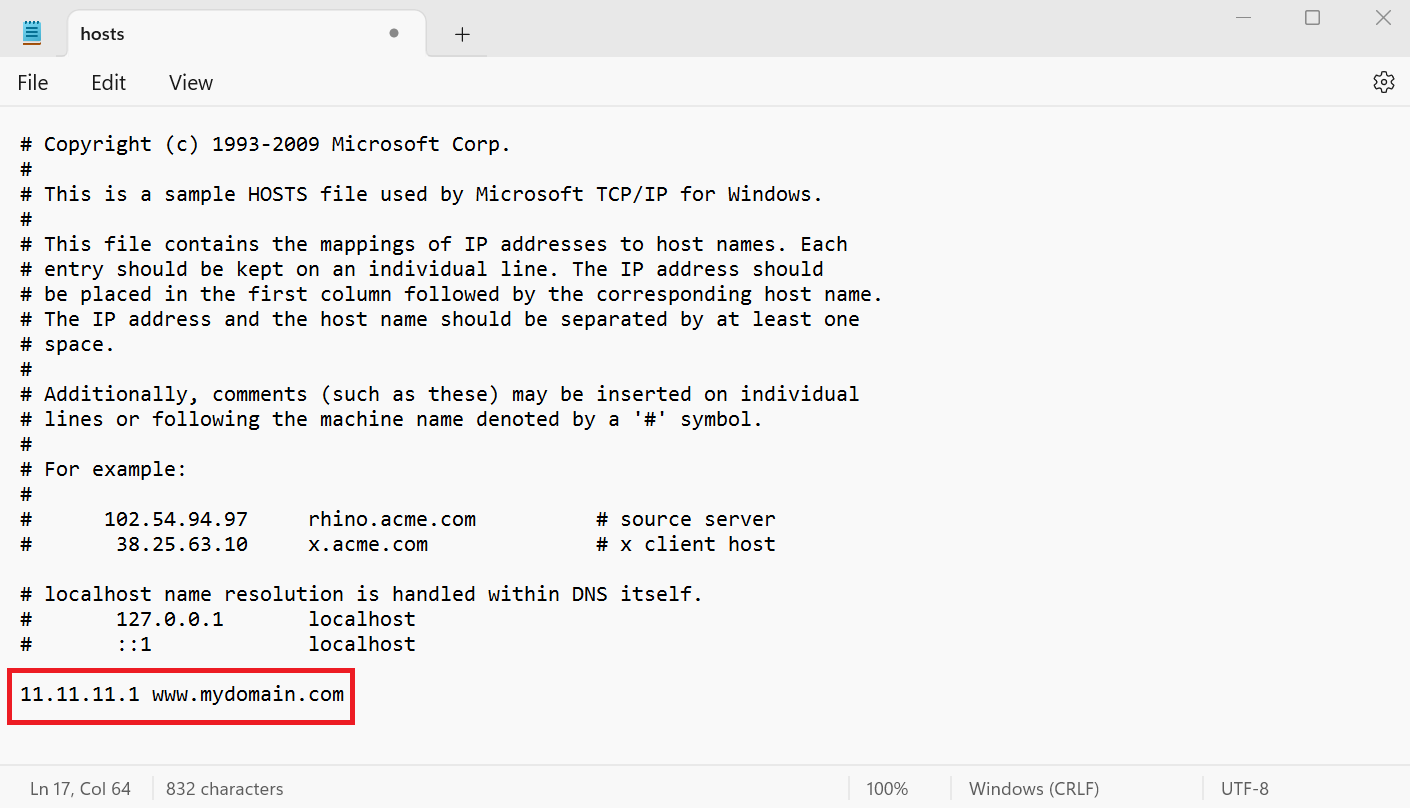
- Add Blocking Entries: Scroll to the bottom. Add a new line like: 127.0.0.1 www.facebook.com (replace with the site). For subdomains, add 127.0.0.1 m.facebook.com too. Save the file.
- Flush DNS Cache: Open Command Prompt as admin (search "cmd," right-click > Run as admin). Type ipconfig /flushdns and hit Enter. Restart your browser.
For macOS:
- Open Terminal: Find it in Applications > Utilities or Spotlight search "Terminal."
- Edit Hosts File: Type sudo nano /etc/hosts and press Enter. Enter your admin password when prompted.
- Add Entries: Use arrow keys to go to the end. Add lines like 127.0.0.1 www.youtube.com. Press Ctrl+O to save, Enter to confirm, then Ctrl+X to exit.
- Flush Cache: In Terminal, type sudo killall -HUP mDNSResponder and press Enter. Reload your browser.
For Linux (e.g., Ubuntu):
- Open Terminal: Ctrl+Alt+T or search "Terminal."
- Edit Hosts File: Type sudo nano /etc/hosts (or use vim). Enter password.
- Add Blocking Lines: At the bottom, insert 127.0.0.1 www.reddit.com. Save with Ctrl+O, Enter, Ctrl+X.
- Clear Cache: Type sudo systemd-resolve --flush-caches (or /etc/init.d/dns-clean restart on older systems). Restart browser.
Tips: To unblock, remove lines and flush cache. For advanced, use apps like Freedom or router settings for network-wide blocks. Test in incognito— if it says "Unable to connect," success! Be cautious; wrong edits can break internet access.
This method redirects sites to localhost, effectively blocking them. If you're tech-savvy, explore extensions for easier toggling.


Comments
Post a Comment